.svg)
.png)


Meetings take up a huge part of the workweek, but the knowledge generated in them mostly evaporates. Notes disappear, action items get forgotten, and the context from a call three months ago is gone the moment the person who took it leaves the room, or the company.
AI note takers solve the immediate problem: they record meetings, generate summaries, and capture tasks. The best ones now solve a bigger problem, too. The best ones expose that meeting data through an MCP (Model Context Protocol) server, or through their own built-in AI chat. Either way, a pile of individual transcripts becomes something your team, and your AI tools, can actually query: a knowledge base instead of a filing cabinet.
In this guide, we ranked the best AI note taker for building an enterprise knowledge base in 2026. We weighed MCP support and native cross-meeting AI features first, then the fundamentals, like transcription accuracy, pricing, and integrations, that make a tool usable day to day.
What Are AI Note Takers?
An AI note taker is a piece of software that joins your meetings, records the audio or video, transcribes what was said, and produces clean summaries with action items, decisions, and follow-ups. No more typing notes while half-listening. No more "wait, who agreed to that?" the next morning.
Under the hood, these tools combine automatic speech recognition (ASR), speaker diarization to figure out who said what, and large language models that turn raw transcripts into useful, structured output. According to Grand View Research, the AI meeting assistant market hit $3.47 billion in 2025 and is on track to reach $21.48 billion by 2033 at a 25.8% CAGR. That growth tells you businesses are buying in fast, and increasingly, they're buying in for the data these tools accumulate over time, not only the summaries from any one call.
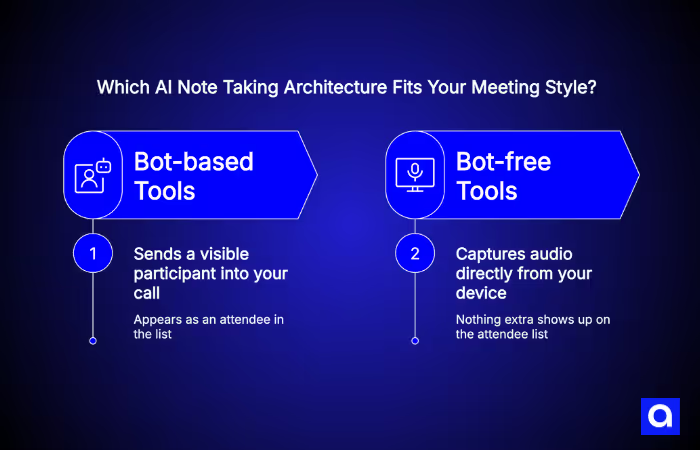
You'll see two capture architectures in this space. Bot-based tools send a visible participant into your call. Bot-free tools capture audio directly from your device, so nothing extra shows up on the attendee list. Separately, you'll see two ways a tool exposes its accumulated meeting data. An MCP server lets external AI assistants like Claude, ChatGPT, or Cursor query it directly. Native in-app AI chat or knowledge-base features keep the querying inside the tool itself. The best options in this guide offer both.
What Features Should Businesses Look for in AI Note-Taking Tools?
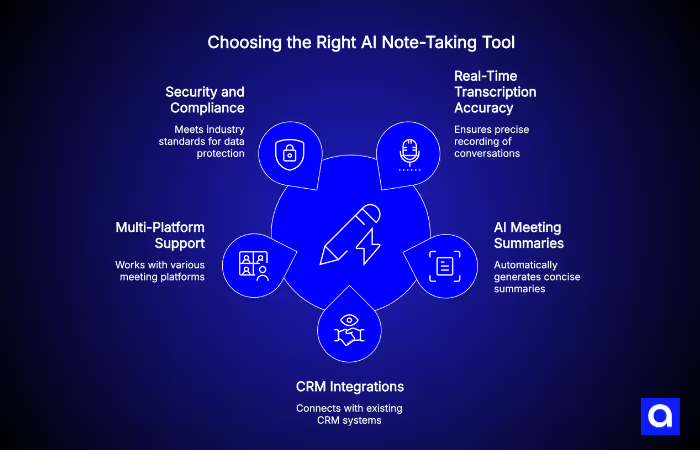
Not every AI note taker fits every team. The right choice depends on how your meetings run, which tools your team already uses, and how important security and compliance are for your business.
- Real-Time Transcription Accuracy. Accurate transcription is the starting point. Most leading platforms now achieve very high accuracy on clear English conversations, even across multi-speaker meetings. The bigger difference today is not the transcript itself, but how useful the final summaries and workflows are afterward.
- AI Meeting Summaries and Action Items. Raw transcripts are rarely enough on their own. The best AI note takers automatically identify decisions, action items, follow-ups, and key discussion points, then turn them into clean summaries teams can quickly share or review later.
- MCP Support and Native AI Knowledge-Base Features. This is the newest, and fastest-moving, evaluation criterion in the category. By mid-2026, most leading AI note takers ship an official MCP server. That's a standardized way for AI assistants like Claude, ChatGPT, and Cursor to query meeting data directly, instead of you copy-pasting transcripts into a chat window. What varies between vendors is the depth of that MCP tool schema: a handful of read-only tools versus deal-aware, task-aware, calendar-aware tools. It also varies by which plan tier unlocks it, and which AI clients are actually supported today versus listed as "coming soon.' Separately, look at what the tool does natively, inside its own app, without any external AI assistant. Some vendors ship a genuine cross-meeting knowledge base or AI chat that spans your entire meeting history. Others limit native AI to a single call at a time and expect MCP to do the heavier lifting. Neither approach is wrong, but they solve different problems, and a tool that's strong on one axis isn't automatically strong on the other.
- CRM and Project Management Integrations. Strong integrations save teams from manual work after meetings. Tools that connect directly with platforms like Salesforce, HubSpot, Jira, Asana, Notion, and Slack help keep sales, support, and project workflows updated automatically. Teams using AI SDR tools alongside AI note takers can especially benefit from CRM sync that updates pipelines automatically, without manual entry.
- Multi-Platform Meeting Support. Most modern tools support Zoom, Google Meet, and Microsoft Teams by default. Some also support Webex, uploaded recordings, mobile meeting capture, and even in-person conversations.
- Security, Privacy, and Compliance Features. For industries like healthcare, finance, and legal, security matters just as much as functionality. Look for certifications and standards such as SOC 2, GDPR, HIPAA, CCPA, and ISO 27001. This matters more, not less, once meeting data is flowing into an MCP server or a knowledge base other tools can query, since that widens who and what can access it.
It is also important to understand where meeting data is stored and whether recordings are used to train AI models. Businesses with stricter compliance or data governance requirements often need more customized solutions. If off-the-shelf compliance doesn't fit your environment, Azumo builds SOC 2-certified custom AI solutions for regulated industries.
How Azumo Helps Businesses Build AI-Powered Meeting Assistants and Workflow Solutions
Most AI note-taking tools handle standard meeting workflows well. But businesses often run into limitations when they need deeper integrations, stricter security controls, or workflows connected to internal systems and proprietary data. We help companies build custom AI-powered meeting assistants, transcription systems, and workflow automation solutions customized to their operations. Our teams develop production-ready AI systems with security and compliance built in from the start.
We've helped clients connect meeting data to internal sales platforms, summarize compliance-sensitive calls without sending data to public LLMs, and build AI agents that take action on meeting outputs (creating tickets, drafting emails, updating records). When voice interfaces are part of the picture, our experience with best AI voice agents and voice development practice handles that too.
If your team needs more than a plug-and-play tool, contact us to see how Azumo's nearshore AI engineering teams can build it.
Turning Meeting Notes Into an Enterprise Knowledge Base
Every recurring meeting, sales call, customer check-in, standup, retro, generates institutional knowledge that normally lives nowhere except a transcript nobody rereads. Left alone, that's a slow, silent knowledge-management problem. Context walks out the door when someone changes roles or leaves. New hires have no way to search what was already discussed and decided.
AI note takers are increasingly positioned to fix this, through two distinct mechanisms:
- MCP servers. A note taker's MCP server lets an AI assistant you already use, Claude, ChatGPT, Cursor, or an internal agent your team builds, query meeting data directly: search past meetings, pull a transcript, check what was decided in a specific call. Because MCP is a shared, open protocol rather than a proprietary API, the same assistant can query your note taker, your docs tool, and your CRM in one conversation. Several vendors in this list, including Avoma and tl;dv, explicitly describe stitching their MCP server together with other MCP servers (Slack, Notion) as the path to a company-wide knowledge base, rather than shipping one themselves.
- Native cross-meeting AI features. Some tools build the knowledge base into the product itself: an AI chat or search feature that spans your entire meeting history without needing an external assistant. Otter's Conversational Knowledge Engine and MeetGeek's AI Chat are the clearest examples, both explicitly marketed as knowledge-base products. Notta's "Notta Brain" does something similar without any MCP support at all.
Neither path is strictly better. MCP gives you flexibility, the same assistant can reason across multiple data sources, and it tends to be the stronger option once you're ready to build custom internal tooling on top. Native knowledge-base features are more turnkey: no setup, no client configuration, and they work the moment you turn them on. The ranking below weighs both, along with how much of each is actually available on a plan you'd realistically pay for.
Quick Comparison of the Best AI Note Takers for a Knowledge Base
Top 11 AI Note Takers Ranked by MCP & Knowledge-Base Integration
We ranked these tools on two axes that matter for building a company knowledge base. First: do they ship a genuine, official MCP server, not a third-party wrapper, and how well does the tool schema and plan gating support that use case? Second: how strong are their native, in-app cross-meeting AI features, since not every team wants to configure an external AI assistant? Fundamentals like transcription accuracy, pricing, and security still matter, and are reflected in each entry's pros, cons, and pricing. But by 2026 they're largely table stakes: most leading tools now clear 90%+ transcription accuracy in English.
Otter.ai: Best AI Note Taker for an Enterprise-Wide Knowledge Base
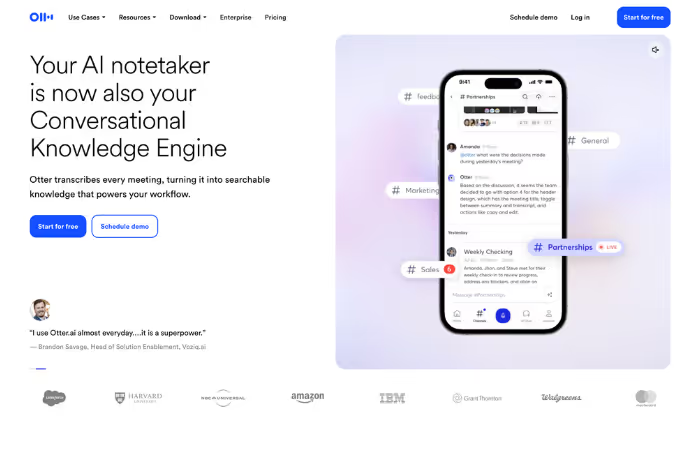
Otter remains best known for live transcription, but its 2026 update pushes it further into knowledge-base territory. Otter ships an official MCP server: three tools covering user info, search, and full-transcript fetch. Named setup guides exist for Claude, ChatGPT, and Cursor, so AI assistants can query a user's meetings and shared workspace meetings directly.
On the native side, Otter's April 2026 update rebuilt its AI Chat and added a longitudinal knowledge graph called the Conversational Knowledge Engine. Otter positions it as an enterprise system of record, on par with a CRM or HRIS, with bidirectional sync to Gmail, Drive, Notion, Jira, and Salesforce. Of every tool in this list, Otter makes the most explicit case for meetings as company-wide, cross-tool knowledge rather than a personal note archive.
Pros:
- Official MCP server (3 tools) with named Claude, ChatGPT, and Cursor setup guides
- "Conversational Knowledge Engine" positions meetings as an enterprise system of record
- Bidirectional sync to Gmail, Drive, Notion, Jira, and Salesforce
- Strong real-time transcription and live captions
Cons:
- MCP tool schema (3 tools) is narrower than deeper schemas like Granola's or Grain's
- More limited language support than some competitors
- Free plan includes only 300 transcription minutes per month
Best for: Enterprises that want meeting data treated as first-class company knowledge, synced automatically into the tools where teams already work.
MeetGeek: Best AI Note Taker for a Searchable, Team-Organized Knowledge Base
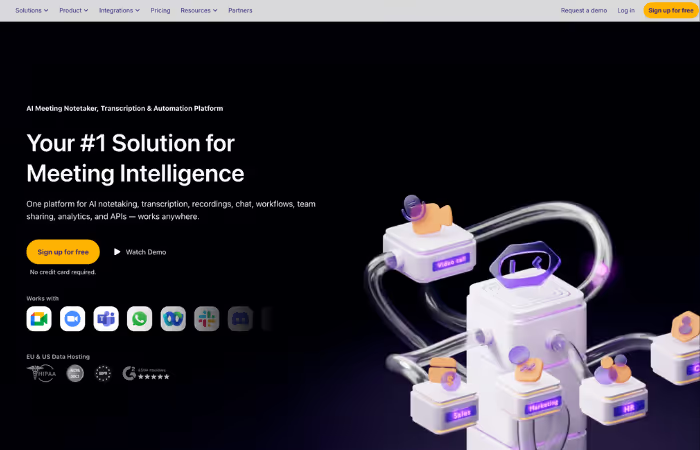
MeetGeek pairs an official, cloud-hosted MCP server, OAuth-based with no API key required, plus an open-source self-hosted option, with what may be the most explicitly "knowledge base"-branded product in this category. Its native AI Chat is marketed as an interactive knowledge base that spans a user's entire meeting history. Its "Meeting Library" organizes transcripts, summaries, and highlights by team or call type, with pushes to Google Drive and Notion.
MCP support currently covers Claude Desktop and ChatGPT Plus, Team, and Enterprise, with Claude Web, Mobile, and Code listed as "coming soon", worth checking before you standardize on it.
Pros:
- Official MCP server, OAuth-based, no API key setup required
- Native AI Chat explicitly marketed as a cross-meeting knowledge base
- "Meeting Library" organizes content by team/call type with Drive/Notion sync
- Detailed analytics and sentiment tracking; supports 50+ languages
Cons:
- Claude Web, Mobile, and Code MCP support is still "coming soon"
- Many advanced features require paid plans
- More setup complexity than lightweight tools
Best for: Teams that want meeting knowledge organized and searchable by team or project, rather than one call at a time.
Fireflies.ai: Best AI Note Taker for a CRM-Connected Knowledge Base
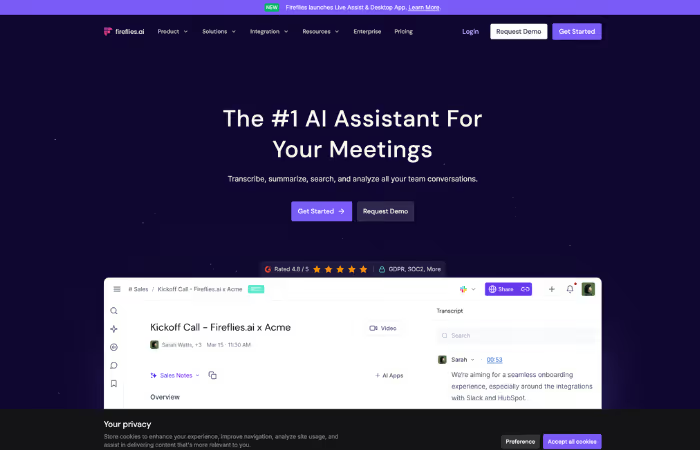
Fireflies runs an official remote MCP server at api.fireflies.ai/mcp, connectable via OAuth to Claude Desktop and other MCP clients, exposing transcripts, summaries, action items, and metadata for querying and trend analysis. Its native AI includes "AskFred" for in-meeting and per-meeting Q&A, plus a "Knowledge Base" feature, though that feature is tuned more for feeding live-call suggestions than acting as a general company wiki.
Where Fireflies pulls ahead is integration breadth. It connects to Salesforce, HubSpot, Slack, and Zapier out of the box, and supports 60+ languages with translation. Meeting knowledge flows into the systems your team already runs on.
Pros:
- Official remote MCP server (api.fireflies.ai/mcp)
- AskFred Q&A plus a native "Knowledge Base" feature for live-call context
- Broad CRM and workflow integrations (Salesforce, HubSpot, Slack, Zapier)
- 60+ languages with translation
Cons:
- Native knowledge-base feature is narrower, built for live-call suggestions, not general search
- Meeting bot can feel intrusive on client-facing calls
- Advanced AI features require paid plans
Best for: Sales and global teams that want meeting knowledge synced directly into CRM and workflow tools, in more languages than most competitors support.
Granola: Best MCP Tool Depth for Querying Your Own Meeting History
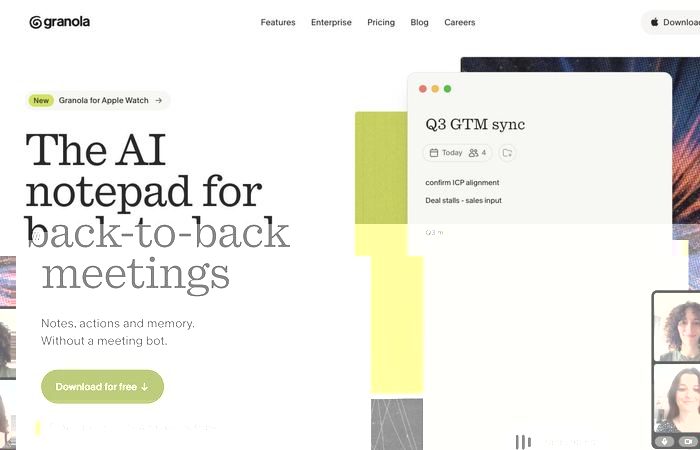
Granola takes a different capture approach: bot-free, blending your own typed shorthand notes with the transcript afterward so the result reads like your notes, only more complete. But its real differentiator for this list is MCP depth. Granola's server (mcp.granola.ai/mcp) uses OAuth 2.0 with Dynamic Client Registration instead of API keys. It exposes six distinct tools: query_granola_meetings for chat-style Q&A, list_meetings, get_meetings, and get_account_info, plus list_meeting_folders and get_meeting_transcript, both gated to the Business plan ($14/user/mo) and above.
That's the most granular, purpose-built MCP tool schema of any note taker researched for this guide, and any MCP client, Claude, ChatGPT, Cursor, or otherwise, can connect. The tradeoff: it's built around an individual's meeting history rather than a company-wide graph, the deeper tools sit behind a paywall, and team-level admin scoping is still early-access beta, off by default.
Pros:
- Deepest, most granular MCP tool schema researched for this guide (6 named tools)
- True OAuth 2.0 Dynamic Client Registration, no API keys to manage
- Bot-free capture that works for virtual and in-person meetings
- Native Chat feature for querying your own past meetings
- SOC 2 Type 2 certified, notes private by default
Cons:
- Transcript and folder MCP tools are locked below the Business plan
- Built around individual meeting history, not a company-wide graph
- Enterprise-level admin scoping is early-access and off by default
Best for: Individuals and small teams who want the most capable, well-documented MCP connection into their own meeting history, and are willing to pay for the deeper tools.
Grain: Best AI Note Taker for a Deal & Insight Library
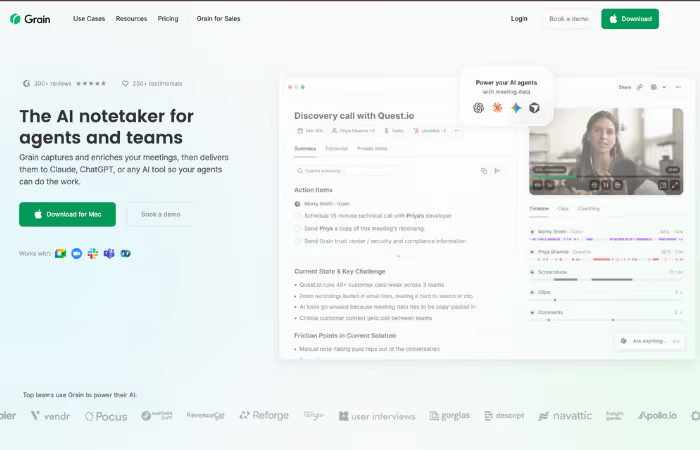
Grain ships an official, Grain-published MCP server (developers.grain.com/mcp) with a broad tool set: list_meetings, search_meetings, fetch_meeting_transcript, search_companies and search_persons, and, on Business and Enterprise plans, list_open_deals and fetch_meeting_coaching_feedback. That deal- and company-aware tool schema makes it a strong fit for sales and product teams building a queryable library of customer conversations rather than a plain transcript archive.
Note that MCP access on Claude currently requires a paid Claude plan (free Claude doesn't support MCP), and ChatGPT support is early-access by request rather than generally available. Natively, Grain's "ChatGPT for meetings" chat and search cover single- and cross-meeting Q&A, but there's no dedicated company-wiki product on top of it.
Pros:
- Official MCP server with deal- and company-aware tools (list_open_deals, coaching feedback)
- Auto-generated clips make it easy to share specific meeting moments
- Native AI chat and search across meetings
- Free plan available
Cons:
- ChatGPT MCP support is early-access by request, not generally available
- No dedicated native knowledge-base or wiki product
- Fewer CRM integrations than sales-focused competitors like Fireflies or Avoma
Best for: Product, sales, and UX research teams that want customer conversations queryable alongside deal and company data.
Krisp AI: Best AI Note Taker for MCP Client Breadth
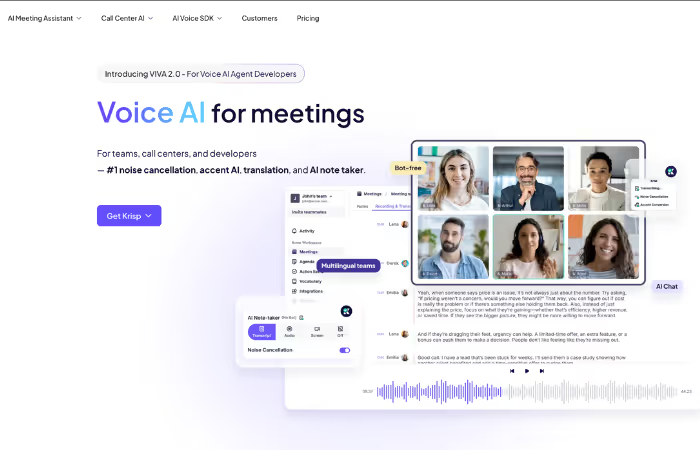
Krisp's official MCP server (mcp.krisp.ai/mcp) is available to Core and Advanced plan users. It exposes a solid set of tools: search meetings by topic, attendee, or date; fetch transcripts, summaries, and action items; list and filter tasks; list upcoming calendar meetings. What stands out is client breadth: Krisp's MCP explicitly supports Claude Code, Cursor, and VS Code alongside ChatGPT, making it one of the more developer-friendly connections in this list.
Native AI features, notes, summaries, cross-meeting search, surface through the app itself and the MCP tools, not a separately branded "AI chat" product. Krisp doesn't market a dedicated team knowledge base the way MeetGeek or Otter do. The same computer vision and signal processing research that powers advanced video analysis has also advanced audio intelligence capabilities like Krisp's noise suppression engine.
Pros:
- Official MCP server with meeting-, task-, and calendar-level tools
- Broad client support: Claude Code, Cursor, VS Code, and ChatGPT
- Bot-free capture with industry-leading background noise cancellation
- Integrates with HubSpot, Salesforce, Asana, Jira, and Notion
Cons:
- No dedicated native "knowledge base" product, search is meeting-level
- Requires Core or Advanced plan for MCP access
- Less widely known than larger competitors
Best for: Developer-heavy teams that want to query meeting data straight from Claude Code, Cursor, or VS Code instead of a chat app.
Supernormal: Best AI Note Taker for Free Native AI Q&A Across Meetings
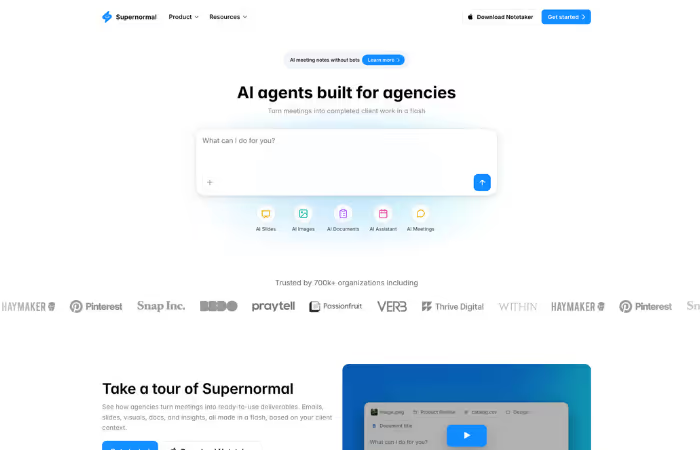
Supernormal's official MCP server (api.supernormal.com/mcp) connects to Claude Code, Claude Web, ChatGPT, and Cursor, exposing meeting history and transcripts for search, to-do generation, and briefs. Its standout feature, though, is native. "Ask Norma" is a built-in conversational AI that answers questions over a single meeting, a group of meetings, or everything on your Meetings page. It's available on every plan, including free, with no paywall.
That's a meaningfully different posture from Granola or Grain, where the deepest cross-meeting query tools sit behind paid tiers. Supernormal doesn't market a dedicated "knowledge base" product, but Ask Norma's free-tier reach makes cross-meeting Q&A accessible to teams who haven't committed budget yet.
Pros:
- Official MCP server, works with Claude Code, Claude Web, ChatGPT, and Cursor
- "Ask Norma" cross-meeting AI Q&A is free on every plan, no paywall
- Bot-free capture with fast post-meeting summaries
- Supports 68 languages
Cons:
- No dedicated native knowledge-base or wiki product
- Less focused on advanced analytics
- Smaller market presence than older competitors
Best for: Startups and SMBs that want free, native cross-meeting AI Q&A before committing to a paid MCP-based workflow.
Fathom: Best Free Entry Point With Growing Account-Wide AI
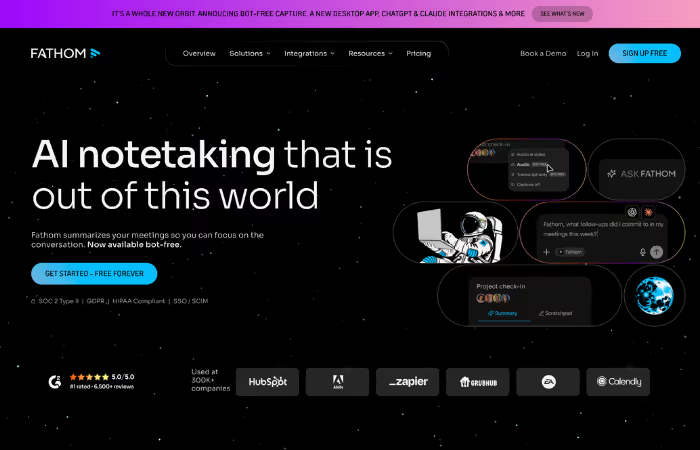
Fathom remains one of the most generous free plans in the category: unlimited recordings and storage, no credit card required. Its April 2026 "Fathom 3.0" update added bot-free capture and expanded native "Ask Fathom" Q&A from per-meeting to account-wide. It also shipped a new official MCP server (api.fathom.ai/mcp) with dedicated Claude and ChatGPT connectors. Several community MCP servers exist too, but the official one now supersedes them.
Fathom's knowledge-base story is newer and less mature than Otter's or MeetGeek's, but the combination of a free tier and a fast-moving roadmap makes it worth watching.
Pros:
- Official MCP server with dedicated Claude and ChatGPT connectors
- "Ask Fathom" now spans account-wide meeting history instead of one call at a time
- Unlimited free recording and storage, no credit card required
- Native integrations with HubSpot and Salesforce
Cons:
- Account-wide AI and knowledge-base features are newer and less proven than Otter's or MeetGeek's
- Best experience is still centered around Zoom
- Team collaboration tools require paid plans
Best for: Budget-conscious teams that want a free entry point into MCP and cross-meeting AI, with room to grow into it.
Avoma: Best AI Note Taker for a DIY, MCP-Stitched Knowledge Stack
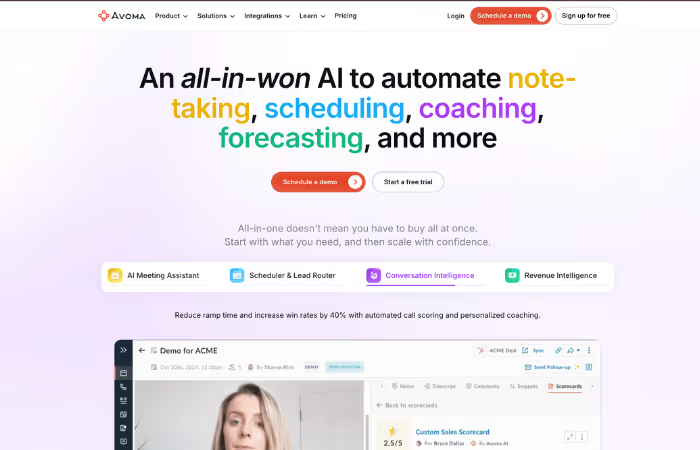
Avoma's official MCP server connects Claude and ChatGPT to transcripts, notes, deal insights, and call metadata via OAuth. It requires an Organization or Enterprise plan (or an API add-on) plus a paid Claude subscription, and the connector auto-disconnects after 30 days of inactivity.
Avoma doesn't ship a native, built-in cross-meeting knowledge base. Instead, its own blog documents a pattern for building one: combine Avoma's MCP server with Slack's and Notion's MCP servers inside Claude. Data stays in each source system rather than being centralized in Avoma. That makes Avoma better suited to teams that already plan to assemble a multi-tool AI stack rather than expecting one product to be the knowledge base.
Pros:
- Official MCP server covering transcripts, notes, deal insights, and call metadata
- Full meeting lifecycle support, from agendas to CRM updates
- Strong sales coaching insights and analytics
- Documented pattern for stitching Avoma, Slack, and Notion MCP together
Cons:
- No native, built-in cross-meeting knowledge base
- MCP requires Organization/Enterprise plan plus Claude Pro/Max
- Connector auto-disconnects after 30 days of inactivity
Best for: Sales and customer success teams already building a multi-tool MCP stack, who want Avoma as one well-documented piece of it.
tl;dv: Best AI Note Taker for Technical Teams Wanting Self-Hosted MCP Control
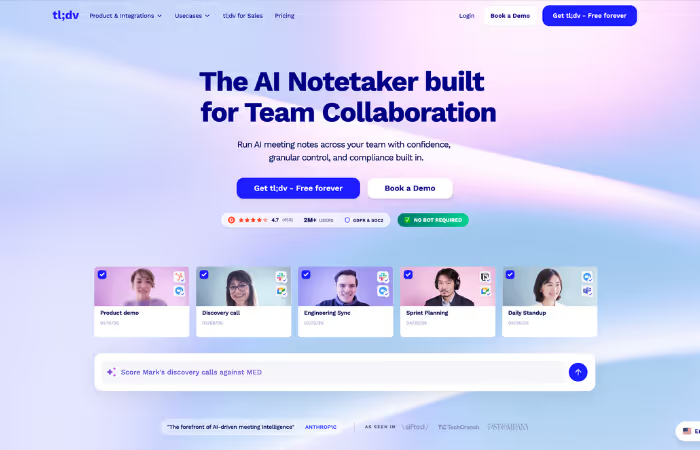
tl;dv's official MCP server is self-hosted: Docker or Node, maintained publicly on GitHub. It requires a Business or Enterprise plan plus an API key, a meaningfully higher technical bar than the fully-hosted servers most other tools in this list ship. In exchange, teams get direct control over deployment. It exposes meeting listing and filtering, metadata, transcripts, and AI-generated highlights, with URL import listed as coming soon.
Separately, tl;dv's native AI agents handle call analysis and CRM updates as first-party product features, but there's no evidence of a native, searchable cross-meeting knowledge base. Like Avoma, MCP is presented as the route to build one externally.
Pros:
- Official, self-hosted MCP server with public source on GitHub
- Native AI agents for call analysis, CRM updates, and action-item extraction
- Unlimited free recordings, transcripts, and AI summaries on the base plan
- Clean interface built for async review
Cons:
- MCP requires self-hosting (Docker/Node) plus a Business/Enterprise plan and API key
- No native cross-meeting knowledge base
- Less focused on deep analytics and coaching
Best for: Technical teams that want to self-host and control their MCP deployment rather than depend on a vendor-hosted connector.
Notta: Best Native Knowledge Base Without Official MCP
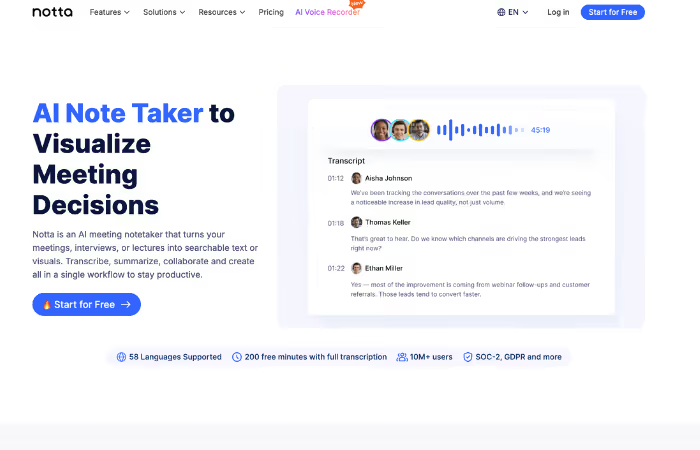
Notta is the one tool on this list without a genuine, first-party MCP server. The only "Notta MCP" results are unaffiliated community projects and a generic Zapier-hosted wrapper, not something Notta itself built or maintains. That's a real gap if your priority is connecting Claude, ChatGPT, or Cursor directly to your meeting data.
What Notta does ship natively is strong. "Notta Brain" is a built-in AI knowledge base that lets users ask questions across all of their meetings, and generate slides, reports, and summaries from transcripts. It's arguably the most capable native cross-meeting feature of any tool in this list without real MCP support. Combined with translation across 42+ languages, Notta is a reasonable choice for global teams who don't need external AI-agent access to their meeting data.
Pros:
- "Notta Brain" native AI knowledge base answers questions across all meetings
- Strong multilingual transcription and real-time translation (42+ languages)
- Generates slides, reports, and summaries directly from transcripts
- Extra features like meeting scheduling and mind maps
Cons:
- No official, first-party MCP server, only unofficial community projects and a Zapier wrapper
- Free plan limits recordings to 3 minutes each
- Pricing is less competitive than most alternatives
Best for: Multilingual teams that want a strong native, in-app knowledge base and don't need to connect external AI assistants via MCP.
How Businesses Use AI Note Takers in 2026
AI note takers are no longer just “meeting recorders.” In 2026, they are embedded into core business workflows across sales, operations, and customer teams, and increasingly, into the AI assistants those teams already use.
- Sales and client meetings: Capture call details, extract objections and next steps, and automatically sync summaries into Salesforce or HubSpot to keep pipelines updated without manual entry.
- Internal team collaboration: Keep teams aligned after standups, planning sessions, and retrospectives using searchable AI summaries shared through Slack, Notion, or similar tools.
- Project management and action tracking: Turn meetings into structured tasks and automatically push action items into tools like Asana, Jira, or ClickUp to keep work moving forward.
- Customer support and success calls: By using AI in customer support, you can track recurring issues, identify escalation patterns, and maintain consistent customer context across different agents and handoffs.
- Remote and hybrid team communication: Share meeting summaries across time zones and languages so distributed teams can stay aligned without attending every call live.
- Querying meeting history through AI assistants: Teams on tools with an MCP server can ask Claude, ChatGPT, or an internal agent questions across months of meetings directly, without opening the note taker's app at all, turning past calls into an on-demand reference instead of an archive.
- Custom workflow automation (advanced use cases): For teams that need more than off-the-shelf features, custom AI systems can extend meeting data, via MCP or direct API access, into proprietary workflows and internal tools. MLOps development practices are key to keeping these systems accurate and reliable in production.
Azumo's AI development practice builds these tailored solutions when standard platforms are not enough. Teams that also need intelligent parsing of meeting documents or contracts can further benefit from AI image segmentation and document understanding capabilities for processing visual content captured during calls.
How We Chose the Best AI Note Takers for a Knowledge Base
We evaluated each tool based on how it performs in real business meetings and real AI workflows, rather than product demos or feature lists. Two criteria drove the ranking order specifically:
- MCP support and depth: Does the vendor ship a genuine, official MCP server, not a third-party or Zapier-hosted wrapper, and how rich is its tool schema (read-only search versus deal-, task-, and calendar-aware tools)? We also checked which plan tier unlocks it and which AI clients (Claude, ChatGPT, Cursor) are actually supported today versus announced as coming soon.
- Native cross-meeting AI and knowledge-base features: Independent of MCP, does the product itself let you ask questions across your meeting history, and is that positioned as a genuine knowledge base (searchable, company-wide) or a narrower, single-meeting assistant?
We weighed those against the fundamentals that still determine whether a tool is usable day to day: transcription accuracy, CRM and workflow integrations, pricing clarity, free plan value, and security standards. We also considered user feedback from platforms like G2 and other verified review sources.
The key insight for 2026 is that transcription quality and MCP presence are no longer strong differentiators on their own. Most leading tools now achieve 90%+ transcription accuracy in English, and 10 of the 11 tools in this guide ship some form of official MCP server. What actually separates them is tool depth, plan gating, and whether meeting knowledge is queryable company-wide or locked to a single call, a single user, or a paid tier. The best choice depends on whether you want a turnkey native knowledge base, the deepest possible MCP connection for a custom AI workflow, or something in between.
Frequently Asked Questions

About the Author:
Founder & CEO | Azumo
Chike Agbai, Founder & CEO of Azumo, leads a nearshore software development firm that builds intelligent applications using top-tier Latin American talent.

.avif)