.svg)
.png)


When a tool hits $17M ARR in just 90 days, you pay attention, but when it reaches $100M ARR in 8 months with only 45 employees, you start asking serious questions.
Lovable.dev has become the poster child for "vibe coding," a new approach where you describe what you want in plain English and watch a full-stack application appear before your eyes. With its help, non-technical founders are building MVPs overnight, and agencies are cutting project timelines in half. Teams evaluating Lovable for production should also consider the total cost of ownership when self-hosting LLMs, as infrastructure and maintenance costs can exceed API pricing for custom model deployments. Teams evaluating self-hosting should also review the total cost of ownership, including infrastructure, GPU allocation, and operational overhead that extends beyond initial deployment.
At Azumo, we've been building production AI systems since 2016 for companies like Meta, Discovery Channel, and Twitter. We've seen dozens of clients come to us after their Lovable prototypes hit a wall. So we decided to put together an honest assessment based on real user experiences, technical analysis, and our own expertise in AI development.
In short, we’d say Lovable is genuinely impressive for what it does well. At the same time, it's also genuinely limited for what it doesn't. This review will help you figure out which category your project falls into.
Who Is Lovable AI For?
Lovable works best for:
- Non-technical founders who need to validate an idea before hiring developers. According to Lovable's own success stories, Sabrine Matos built Plinq, a women's safety app, without writing code. It now has over 10,000 users and generates $456K ARR.
- Solo developers and freelancers who want to skip boring setup work and jump straight into building. As one user put it in a Superblocks review, "I went from a blank workspace to a working UI in under 10 minutes. That's easily a day or two of boring setup work."
- Marketing teams and agencies that need landing pages fast. The AppDirect marketing team completed 11 projects with over $120K in cost savings, rebuilding their website in one month instead of the traditional six months and $80K.
- IT teams that are building internal tools like dashboards, admin panels, and workflow utilities without waiting in the dev queue.
According to Lovable's documentation, the platform supports multiple AI models, including Gemini 2.5 Flash, GPT-5.2, and Gemini 3 Pro.
Lovable is not for:
- Enterprise applications with mission-critical business logic
- Regulated industries like healthcare (HIPAA), financial services, or government
- Complex integrations with legacy systems or heavy API dependencies
- Production-scale applications that need to handle millions of users
The platform has reached over 500,000 apps built with an 87% retention rate. Those numbers tell you it's doing something right. The question is whether your specific needs match what it does right.
What Are the Limitations of Lovable AI for Production?
Limitation What It Means in Practice Incomplete output Final polish still needs manual development Debugging loops Fixing bugs can become repetitive and slow Credit usage Costs can increase faster than expected Limited complexity Advanced logic and workflows need custom code Security gaps Not ideal for regulated or enterprise environments Scalability limits Performance issues on large or complex apps- The “Last 30%” Problem
Lovable usually gets you most of the way there, but not all the way. The final part of a project still needs manual work. Things like complex logic, performance tuning, security, and edge cases often require experienced engineers. This is where many teams slow down.
This is the critical transition point. Most successful projects start with Lovable for validation, then partner with professional development teams like Azumo to handle the final 30% (the difference between a working prototype and a production-ready application). Teams building agent workflows should also review our Manus AI analysis, which covers similar production challenges in autonomous coding platforms.
- Debugging Can Be Frustrating
One of the most common complaints is debugging loops. When something breaks, the AI may try multiple fixes but keep reintroducing old issues. This can waste time and credits, especially when problems aren’t simple or obvious.
- Credits Can Run Out Quickly
Lovable charges credits for every action, and they can disappear faster than you expect on bigger features. If the AI messes something up, you’re still paying to fix it, which can make the cost feel unpredictable once your project grows past the basics.
- Not Great for Complex Apps
When your app gets complicated, such as multi-step workflows, custom integrations, or heavy business logic, Lovable can struggle. You will often need to jump in and code manually for anything beyond simple CRUD operations.
- Security and Compliance Limits
Lovable is not built for high-security or mission-critical apps. If your project needs strict compliance or enterprise-level security, you will probably need extra tools or a custom solution.
- Scaling Issues
The platform can reach limits as your app gets bigger. For small or medium projects, it works fine, but large apps with many users or complex data flows might run into performance or reliability problems.
What Are the Benefits of Lovable for Prototyping?
Strength Why It Matters Production Consideration Fast setup Saves time on environments, boilerplate, and wiring May need a professional architecture review before scaling Clean UI Apps look good without manual design work Production UX often requires custom design Full-stack generation Frontend, backend, database, and auth included Basic auth may not meet enterprise security standards Code ownership Export to GitHub and continue development freely Professional review recommended before production deployment Good for early stages Ideal for prototypes, MVPs, and internal tools Transition to professional development before launch
Very Fast App Creation
Instead of messing around with environments and boilerplate, you just describe the app and let Lovable handle the basics. It’s very useful for prototypes or early product ideas where speed is more important than perfection. “It doesn’t replace workers”, it just takes the boring parts off their plate.
- Good Design by Default
Plenty of AI tools spit out apps that work, but you wouldn’t want to show them to anyone. Lovable usually looks better straight away.
The interfaces come out clean and modern without much effort. Since it’s built on React and Tailwind CSS, the layouts follow familiar UI patterns. You don’t need to spend hours fixing spacing or styles just to make something presentable, which helps when you need to show a product quickly.
- True Full-Stack Output
Lovable isn’t just a UI generator. It builds the full application structure, including backend logic and database setup. You get a real app, not just mockups. Everything can be exported to GitHub as normal code, so developers can keep working on it outside the platform.
- No Lock-In
You fully own the code Lovable generates. You can export it, edit it, and host it elsewhere. This means Lovable can fit into your workflow instead of forcing you to stay on the platform forever.
What Are Lovable AI Features and Capabilities?
Technical Stack
Lovable builds on a modern, well-supported stack:
- Frontend: React + Tailwind CSS
- Backend: Node.js/Express with integrated Supabase
- Database: PostgreSQL via Supabase, SQL/Prisma models
- Authentication: Built-in user auth and session management
- Deployment: One-click hosting on Lovable Cloud
- Version Control: GitHub sync and export
Development Modes
Mode What It’s Used For Default Mode Describe features in natural language and generate apps automatically Chat Mode Plan features, debug logic, and ask questions without generating code Visual Editor Directly manipulate UI components and layouts Code Mode Manually edit code for deeper customization (Pro plans and above) Agent Mode Autonomous development with web search and proactive debuggingBuilt-In AI Features
Beyond code generation, Lovable includes:
- AI-powered summaries
- Chatbot functionality
- Sentiment detection
- Translation capabilities
- Real-time preview with instant rendering
- Multiplayer collaboration with branching
Lovable AI Integrations
Integration Primary Use Case Supabase Backend services and database management GitHub Version control and code syncing Zapier Workflow automation Make Advanced automation scenarios Stripe Payments and subscriptions Clerk Authentication and user management Vercel Deployment and hosting Netlify Deployment and hostingLovable AI Pricing: What Are The True Costs You Should Consider?
Plan Price Credits Projects Key Features Free $0 / month 5 daily credits (max 30/month) Public only 100GB hosting bandwidth, Lovable branding required, up to 20 collaborators Pro $25 / month ~150 total credits (100 monthly + 5 daily) Public + private Custom domains, remove branding, code editing access, unlimited private projects Business $50 / user/month Same as Pro Public + private All Pro features, Single Sign-On (SSO), design templates, and opt-out of AI training data Enterprise Custom Custom Custom Dedicated support, custom integrations, group-based access control, and custom design systemsHow Lovable Compares to Alternatives
Lovable vs Cursor
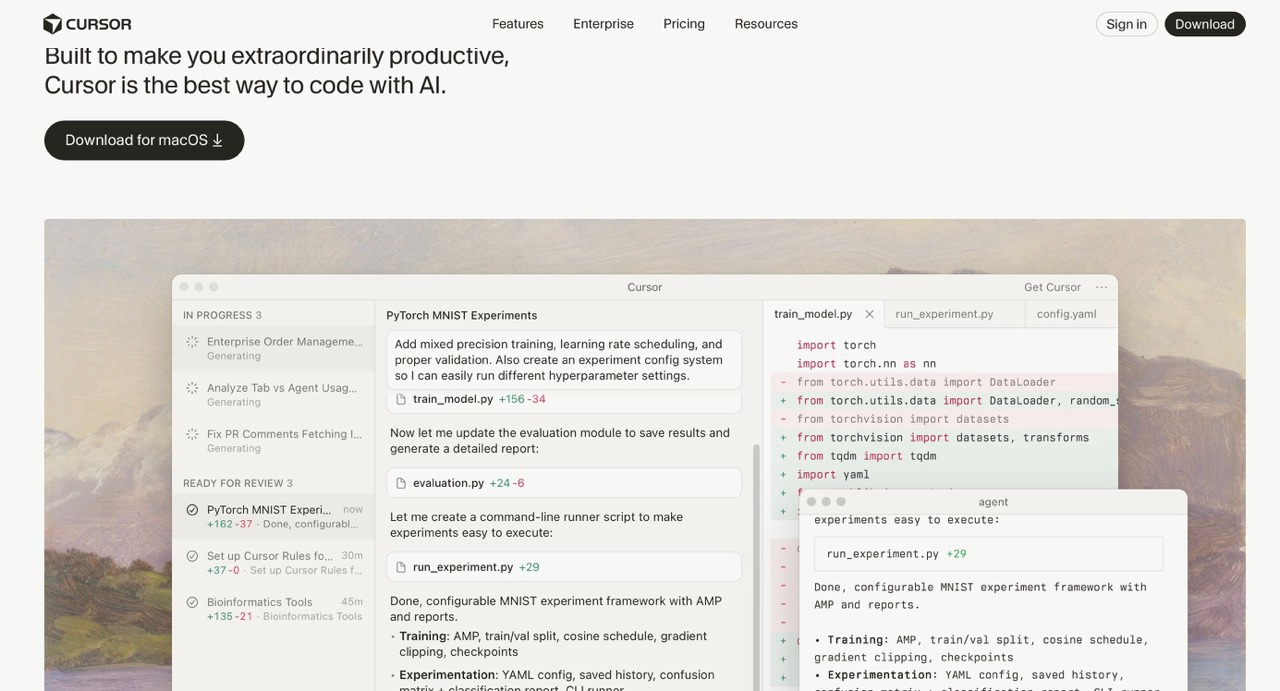
Cursor is mainly an AI code editor, not a full app builder. It works well for developers who already have a codebase and want AI help writing code. Non-technical users can find Cursor too technical.
Best for: Developers who want AI suggestions but still control the code.
Lovable vs Bolt.new
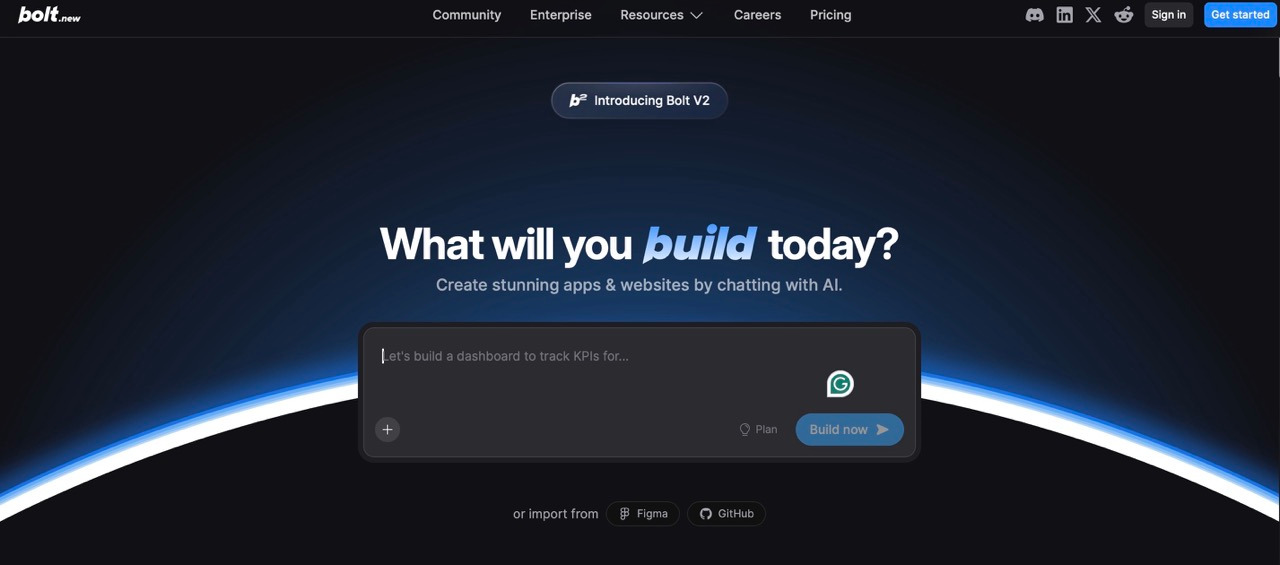
Bolt.new runs completely in the browser, so there’s no need for you to set up anything locally. It is great for building shareable prototypes and quick demos, especially for investors. Bolt is less suited for serious production apps.
Best for: Rapid concept testing and simple demos.
Lovable vs Bubble
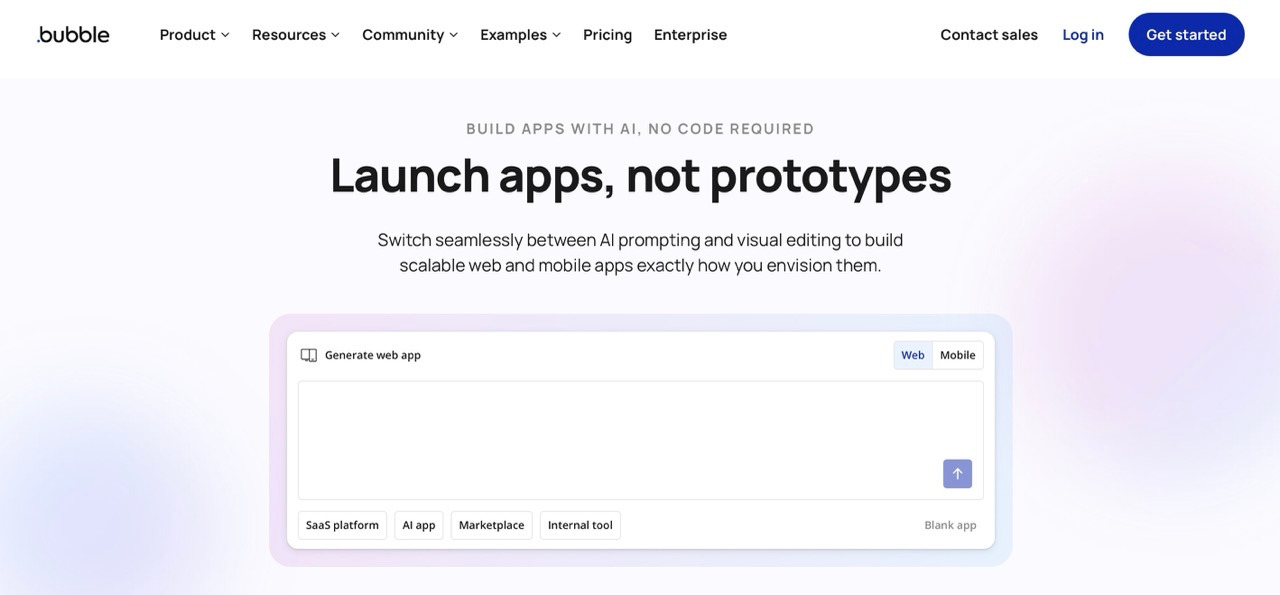
Bubble is more mature than Lovable, so it handles complex web apps better. It uses a visual drag-and-drop editor instead of AI prompts. Pricing depends on your app workload and can be hard to predict.
Best for: Building complex apps with specific workflows that need full control.
Lovable vs Professional Development
Professional development (what we do at Azumo) offers production-ready architecture, custom software solutions, enterprise security compliance, and dedicated teams.
Factor Lovable Professional Development Speed to prototype Hours Weeks Production readiness 60-70% 100% Security compliance Basic SOC 2, HIPAA, GDPR Scalability Limited Enterprise-grade Cost structure Credits Fixed-scope Support Self-service Dedicated teamWhen to Use Lovable (And When to Call Professionals)
You Can Use Lovable For:
- MVP Validation: Quickly test ideas before committing to full development. At Azumo, we’ve used similar tools to prototype features in days rather than weeks.
- Landing Pages: Product Hunt users often praise Lovable for how fast it produces attractive landing pages. One user said, “They make killer landing pages. I’m wowed every single time.”
- Internal Tools: Dashboards, admin panels, and workflow utilities for teams.
- Client Prototypes: Agencies can quickly produce demos where speed matters more than polish.
- Simple Websites: Small businesses can get an online presence without hiring a developer.
You’ll Need to Call Professionals For:
- Production Applications: When real users rely on the app, downtime or bugs are unacceptable.
- Regulated Industries: Healthcare, finance, or government applications that require strict compliance.
- Complex Business Logic: Multi-step flows, heavy integrations, or custom workflows.
- Enterprise Scale: Apps with millions of users or high availability requirements.
- Custom Architecture: Non-standard tech stacks, heavy optimization, or highly tailored solutions.
At Azumo, we help clients move from prototypes to scalable, production-ready architecture.
What We Recommend
A phased approach helps balance speed and reliability:
- Prototype and Validate: Use Lovable or similar tools to quickly test ideas.
- Professional Assessment: Review the code and architecture once you have real users.
- Production Development: Build the full application with security, scalability, and custom architecture.
- Deployment and Scaling: Maintain and optimize as your user base grows.
According to Gartner forecasts, low-code development will account for 75% of new application development in 2026. The question isn't whether to use tools like Lovable. The question is knowing when to transition from prototype to production.
The Bottom Line
Lovable is useful for rapid prototyping, testing ideas, and building simple apps. It gets you to a first version quickly, with better design than many alternatives. It has limits. Debugging loops, unpredictable credit use, and gaps in production readiness mean it works best as part of a broader development plan.
Non-technical founders can use it to validate ideas fast. Teams building production apps should plan for additional tools and expertise.
If your Lovable prototype works but needs scaling, Azumo can help. We take AI prototypes to enterprise-grade systems with SOC 2 certification, HIPAA compliance, and architecture that supports millions of users. Let's talk about your project.
Frequently Asked Questions

About the Author:
Head of Customer Success | Account Manager & Account Executive
Matias Margossian, Account Executive and Customer Success Manager with a finance background and tech expertise, blending business strategy, analytics, and client success.

.avif)