.svg)
.png)


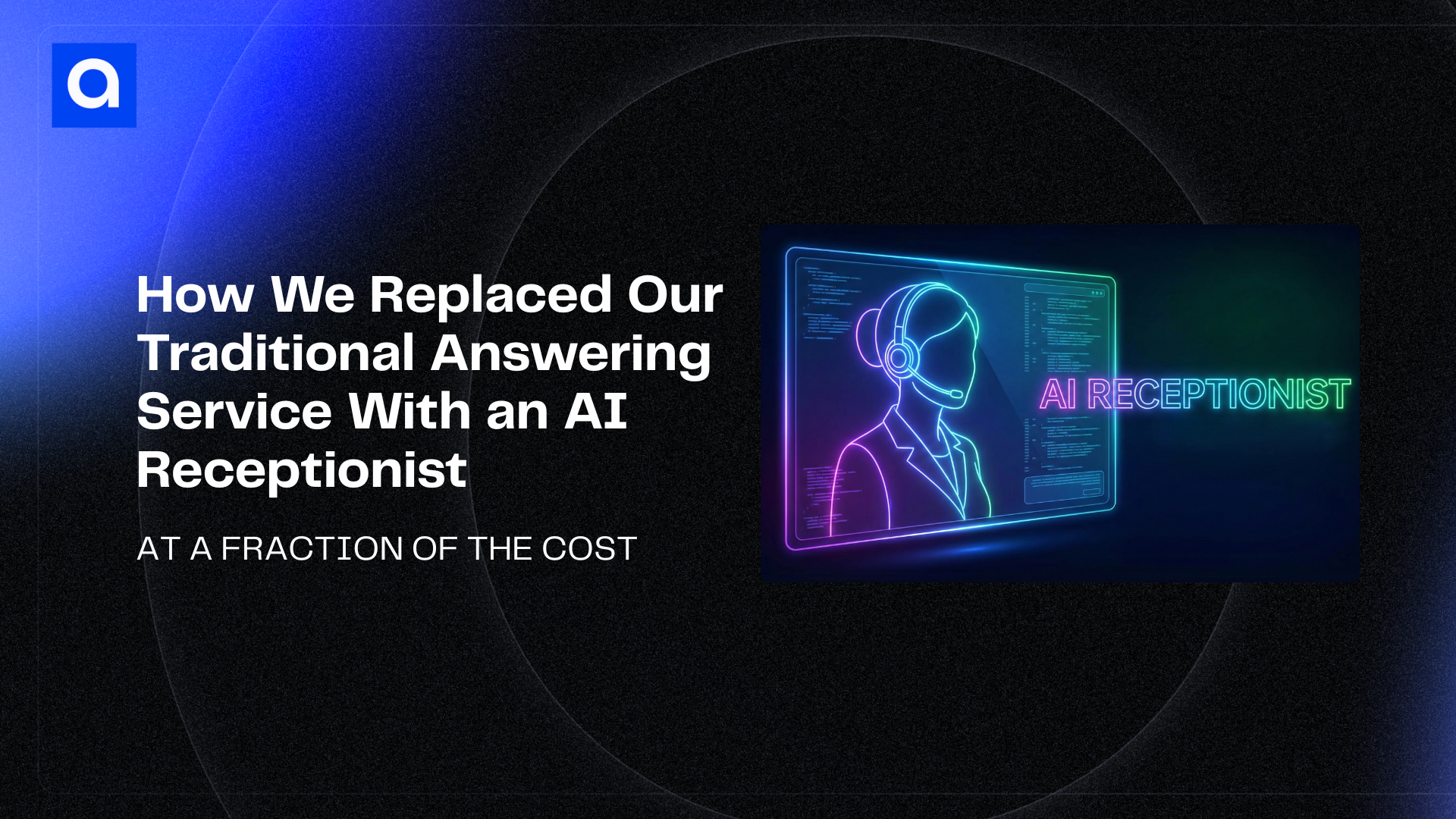
A few years ago, we onboarded Ruby Receptionist to answer inbound calls for us. Their onboarding was efficient, a couple of targeted calls, a few data points on us, and then a cutover phone number after a few dials to our mainline to the Ruby platform. From there a US-based receptionist would take the call and route it to us or take a message. In most cases it would be a message about a sentence long. The better receptionists who fielded the calls would sort out the solicitations but dutifully forward those to us as well.
Ruby is a solid service. Real people, polite, professional. But at $700 a month, it was one of those recurring costs that always felt disproportionate to what we were getting.
Here’s what bothered me: Ruby could take messages and transfer calls, but they limited the range of people on our team who could take part. They couldn’t give a team member context about who was calling. And updating the contact list meant calling support and waiting. The ability to make changes was shockingly difficult. And as our business has grown and the number of inbound calls grew, our warnings about minute overages increased as well. So our base price was just that, the base price.
For a company that builds AI systems for a living, it felt like something we should be able to do better or at least automate. We’ve already done it for our website. A visitor could just as easily ask the voicebot on our website about us, as surf the pages for information, so why not create an AI receptionist to answer and transfer calls.
I decided to build our Ruby replacement. Its name is Charli (for now).
What Charli Actually Does
Charli is an AI receptionist that answers Azumo’s main line 24 hours a day, 7 days a week. Here’s what happens when someone calls:
Charli picks up and greets the caller naturally. It asks who they’d like to speak with or what they need, then searches our company directory using fuzzy name matching to handle misspellings, nicknames, and partial names. It sends the relevant team member a Slack DM with the caller’s details, plus Accept and Decline buttons. If the team member accepts within 10 seconds (a choice on our part), the call transfers directly to their phone. If they decline or don’t respond, Charli takes a detailed message and posts it to a shared Slack channel or directly to the individual.
Charli also knows about Azumo: what we do, who our clients are, how our engagement models work, so it can answer basic questions before routing or taking a message. It’s not a dumb phone tree. It’s a capable, conversational front desk. In this first iteration, we shared a basic knowledge base file and some clear instructions on how long to engage a caller.
Building the Architecture
The core challenge wasn't building the system quickly, it was building it correctly. The system needed to coordinate five different services seamlessly while handling the complexity of natural language understanding, real-time decision-making, and flawless integration with our team workflow.
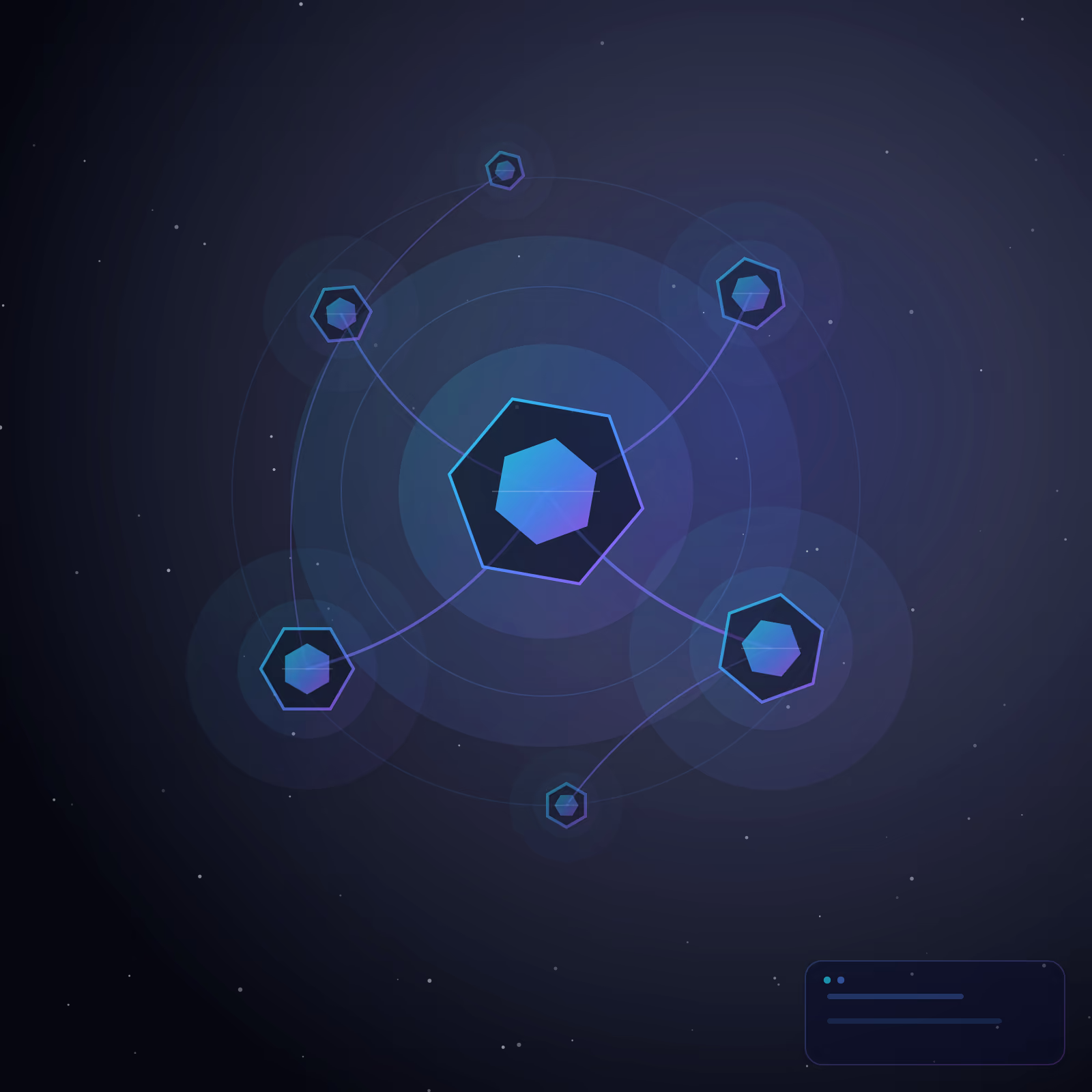
We started by defining the architecture: a lightweight middleware server that acts as the orchestrator. When a call comes in, the voice AI platform handles the conversation naturally. When the AI needs to look up a contact, transfer a call, or notify the team, it calls the middleware which coordinates with Airtable for the directory, Slack for notifications, and Zoom Phone for call routing. The clever part is the 10-second decision window: the AI sends a notification to the relevant team member and waits for their response. If they accept within that window, the call transfers directly. If not, the AI takes a message and routes it appropriately.
The Implementation Challenge
The technical work spanned multiple sessions of iterating on the architecture, configuring integrations, and handling edge cases. The most complex part wasn't the code, it was the configuration and testing required to make everything feel seamless.
One significant problem emerged during deployment: we had configured the middleware server with a temporary development URL during initial testing. When we moved to production with a permanent server URL, three different webhook configurations were still pointing to the old dead tunnel. Callers would reach our receptionist only to hear "I'm experiencing a technical issue." Finding this required carefully tracing through the call logs to identify the DNS errors. Once we found it, we had to systematically update every webhook endpoint across three separate services. After fixing that, testing the complete end-to-end flow (inbound calls, directory lookups, Slack notifications, call transfers) took careful verification to ensure every path worked correctly.
The Voice Configuration Work
The other major challenge was the voice. Charli had to understand the array of ways people pronounce names differently: nicknames, first-name-only approaches, and mispronunciations were all legitimate. We built phonetic hints into the system prompt and iterated through multiple test calls to validate that the AI understood and could naturally work with these variations. Even getting the voice personality right took experimentation. We settled on a more sassy English-accented voice because experience showed that American callers tended to be more forgiving and patient with an English accent, probably because they're more likely to chalk up any awkwardness to accent differences rather than robotic AI behavior.
The real work here wasn't in writing code. It was in testing dozens of inbound calls, tweaking voice settings, auditing configurations across services, and validating that the system handled all the edge cases we cared about. It's the kind of work that doesn't show up in line-of-code counts but is essential to building something that actually works.
Integrating Five Services
The entire system runs on five cloud services. No enterprise contracts, no six-week implementation, no vendor evaluation. Everything is either free tier or minimal cost individually.
Charli handles the conversation. The middleware just connects the dots between services.
The architecture is simple: a caller dials our office number, which forwards to the voice AI platform. The platform runs the voice conversation and makes tool calls to the middleware server when it needs to look up a contact, notify someone on Slack, or take a message. The middleware talks to Airtable for the directory and Slack for notifications. If a team member clicks Accept, the call transfers to their phone. If not, the message goes to a shared channel.
While cost was the trigger, the capability upgrade is what surprised me. Charli doesn’t just do the same job for less money.
The fuzzy name matching alone is worth calling out. Callers mispronounce names, use nicknames, or only remember a first name. Charli handles all of that. It’s a small feature that makes a noticeable difference in how professional the experience feels.
What Tripped Us Up
This wasn’t entirely smooth. A few things tripped us up, and they’re worth sharing because they’re the kinds of problems anyone building something similar would hit.
- The webhook URL problem. During development, the server ran on a temporary tunnel URL. When we deployed to production with a permanent URL, three webhook configurations were still pointing to the dead address. Callers heard “I’m experiencing a technical issue.” The symptom was vague, but the call logs showed a clear DNS resolution error. The fix was simple (update three URLs) but finding it took longer than it should have. Lesson: when you move from development to production, audit every webhook endpoint. Every service that calls back to your server needs the new URL.
- Voice pronunciation. This was actually the hardest part of the entire build. Charli mispronounced several team members’ names. Names that look straightforward in text can sound completely wrong in speech synthesis. We had to add phonetic hints to the system prompt and iterate through multiple test calls. The conversation logic worked on the first try. The voice personality took real effort and we are still not there yet.
- The UK ringtone. After a successful call transfer, the caller heard a British ringtone instead of an American one. Turns out, since the voice was configured with a British accent, the telephony routing pulled a matching ringtone. Minor, but the kind of detail that would make a caller pause.
Charli Just Works
I’m not sharing this as a technical flex. I’m sharing it because I think the implications are significant for anyone running a business.
Charli isn’t a demo. It’s not a proof of concept. It’s a production system handling real business calls for a real company, right now. The maintenance burden is close to zero.
The barrier to building AI-powered operations tools has collapsed. The question isn’t whether your business can afford to build these, it’s whether you can afford not to.
A few years ago, building something like this would have required a telecom vendor, a custom NLP pipeline, months of development, and a big budget. We know this because we spec’d out this service for ourselves several years ago before opting to use Ruby. That is simply not the case anymore.
The cost reduction on this one line item alone was over 90%. And this is just a virtual receptionist. The same pattern, where an AI agent handles a routine operational task, connected to the tools your team already uses, applies to dozens of workflows inside any business. Charli runs on a straightforward stack: a voice AI platform to handle the phone conversation, a lightweight middleware server to connect services, a structured contact directory, a team notification layer, and your existing phone system.
The real work isn’t in the code, it’s in the details that make it feel professional: voice tuning, pronunciation libraries for your team’s names, fuzzy matching logic, timeout behavior, and the kind of conversational flow that doesn’t make callers feel like they’re talking to a robot. Those are the things we spent the most time on, and they’re what separate a polished AI receptionist from a clunky phone tree.
We built Charli for ourselves, but the architecture is designed to be repeatable. If you're spending hundreds of dollars a month on an answering service and want to see what an AI receptionist could look like for your team, we'd be happy to walk you through it, just reach out and we can explore how Charli works, show you the integration points with your existing tools, and explain what it takes to deploy one in days rather than months.

About the Author:
Founder & CEO | Azumo
Chike Agbai, Founder & CEO of Azumo, leads a nearshore software development firm that builds intelligent applications using top-tier Latin American talent.


.avif)