.svg)
.png)


.avif)
Many businesses still spend hours on manual work like moving data between apps, updating spreadsheets, sending notifications, and managing repetitive tasks.
AI workflow automation tools help reduce this workload by automating processes, connecting business systems, and improving efficiency across teams. Workplace AI usage keeps climbing: 91% of employees now say their organization uses at least one AI technology, and 54% specifically use ChatGPT or another generative AI tool day to day.
In this article, we review the best AI workflow automation tools for 2026 across no-code, developer-focused, enterprise, and AI-native categories. We'll compare features, pricing, pros and cons, and best use cases to help you choose the right platform for your business.
What Are AI Workflow Automation Tools?
AI workflow automation tools help businesses automate tasks and processes using artificial intelligence. They can move data between apps, analyze information, respond to requests, and handle repetitive work with less manual effort.
Unlike traditional automation tools that only follow fixed rules, AI-powered platforms can understand unstructured data like emails, documents, PDFs, and chat messages using techniques like natural language processing (NLP). This allows them to make smarter decisions and handle more complex workflows.
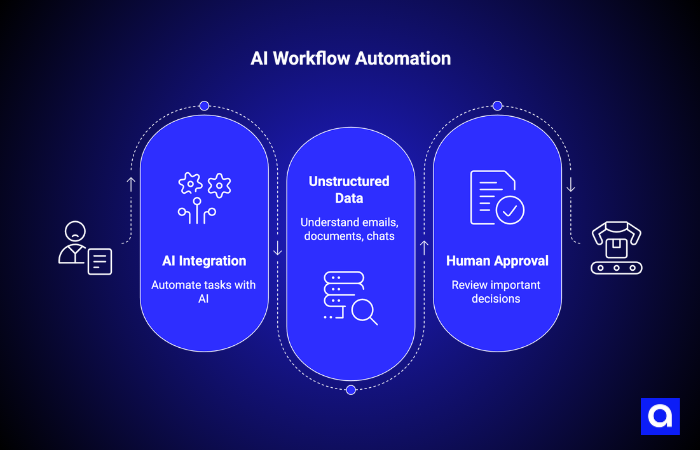
Many platforms also include human approval steps for important actions. For example, a person may still review large payments, sensitive customer requests, or high-priority decisions before the workflow continues.
Common use cases include email sorting, invoice processing, lead qualification, customer support automation, and report generation.
Key Features to Look for in AI Workflow Automation Tools
Not all AI automation tools offer the same level of intelligence, so it is important to look beyond marketing claims. The best platforms should not only automate tasks, but also understand data, make decisions, and adapt workflows based on context.
Here are some key features to look for:
- AI-powered workflow capabilities: The platform should handle unstructured data like emails, documents, and chat messages, not just simple rule-based automation.
- Visual workflow builder: Drag-and-drop interfaces make it easier for non-technical teams to create and manage workflows.
- Strong integrations: Look for tools that connect deeply with CRMs, databases, communication apps, and business systems.
- Flexible pricing models: Some tools charge per workflow run, while others charge per task or action, which can affect costs at scale.
- Security and compliance: Features like SOC 2, HIPAA, GDPR compliance, audit logs, and role-based permissions are important for sensitive data.
- Self-hosting options: Useful for companies that need full control over infrastructure, privacy, or data residency.
- Human approval steps: Allows people to review important actions before workflows continue automatically.
How We Selected the Best AI Workflow Automation Tools
We selected these tools based on hands-on testing and a structured evaluation process inspired by industry methodologies and our experience building AI workflow systems for clients in healthcare, finance, and technology.
We assessed each platform using the following criteria:
- Flexibility and how well it adapts across different teams and use cases
- Depth of integrations with third-party tools and systems
- Pricing, including availability of free tiers and overall cost at scale
- Ease of use, especially the quality of the visual workflow builder and onboarding experience
- Security and compliance, including enterprise-grade standards
- Scalability, both in performance and cost, as usage grows
We did not include tools based on popularity alone. Every recommendation is based on real-world usefulness and practical performance in production environments.
Best AI Workflow Automation Tools for Business Operations in 2026
| Tool | Best For | Starting Price | Integrations | Free Tier |
|---|---|---|---|---|
| Zapier | No-code business automation | $19.99/mo | 8,000+ | Yes (100 tasks/mo) |
| Make | Visual multi-step workflows | $9/mo | 1,400+ | Yes (1,000 ops/mo) |
| n8n | Developer-friendly / self-hosted | $20/mo (free self-hosted) | 400+ nodes | Yes (self-host) |
| UiPath | Enterprise RPA + agentic AI | $25/mo (Basic), Enterprise custom | Extensive | Yes (Community) |
| Workato | Enterprise iPaaS | ~$10K+/year | 1,200+ | No |
| Lindy.ai | AI executive assistant/task delegation | $39.99/mo | 4,000+ | Yes |
| Vellum AI | LLM orchestration / prompt ops | Custom (via sales) | API-focused | Yes (1K tasks) |
| Gumloop | AI-powered data & web automation | $30/mo | LLM-native | Yes |
| AirOps | AI content ops / SEO workflows | Custom (via sales) | SEO-native | Yes (1K tasks) |
| Relay.app | Human-in-the-loop AI automation | $38/mo | 50+ | No |
Zapier for No-Code Business Workflow Automation
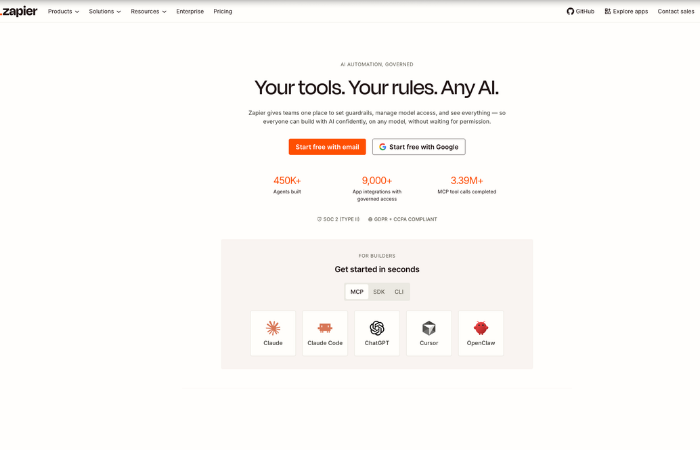
Zapier is the most accessible entry point for non-technical teams. It connects 8,000+ apps through event-based "Zaps" and has expanded into AI orchestration with Agents, AI Copilot, and MCP server access. Users report building a working Zap in under five minutes, which makes it the fastest path from idea to live automation.
Key features:
- 8,000+ native integrations (largest catalog in the category)
- AI Copilot for natural-language Zap building
- Zapier Agents (autonomous AI teammates)
- MCP server exposing 30,000+ Zapier actions to external LLMs
- Interfaces and Tables for lightweight app building
Pros:
- Fastest onboarding with minimal technical skill required
- Unmatched integration breadth
- Strong customer support and 4,000+ community templates
Cons:
- Per-task pricing gets expensive above 5,000 monthly runs (3 to 10x more than n8n)
- No self-hosting option, vendor lock-in is a concern for data-sovereign teams
- AI Agents and Chatbots are priced as costly add-ons
Best for: Non-technical founders, operations teams, and solopreneurs who want immediate automation without engineering support.
Make (Integromat) for Visual Multi-Step Workflow Automation

Make (formerly Integromat) gives you more granular control over data routing and transformation than Zapier. Its visual canvas makes complex multi-step flows easy to map, and enterprise users benefit from the "Grid," a centralized observability view for all agents, apps, and workflows.
Key features:
- Visual scenario builder with detailed data transformation controls
- "Grid" for enterprise AI agent observability and orchestration
- MCP client support
- 1,400+ integrations with multiple AI model connectors
- Free tier with 1,000 ops/month (10x Zapier's free allowance)
Pros:
- Most generous free tier among the best no-code AI workflow automation tools
- Roughly 4x cheaper than Zapier at scale
- Strong data transformation capabilities
- Active community and template library
Cons:
- Limited RBAC and secret management
- Steeper learning curve than Zapier for beginners
- Less flexibility than n8n for deep developer customization
Best for: Technical teams with automation experts who need complex logic on a budget.
n8n for Developer-Friendly and Self-Hosted Automation
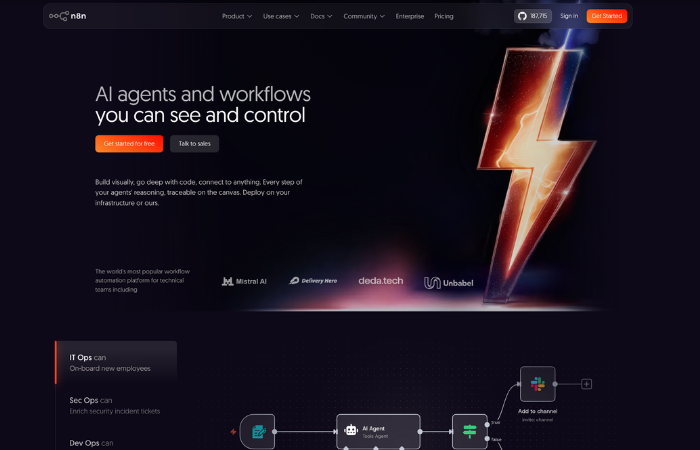
n8n is the go-to AI workflow automation tool for developers and technical teams who want maximum control. Its source-available code, self-hosting option, execution-based pricing, and support for custom JavaScript/Python steps make it the most extensible tool on this list. At high volume, a workflow that costs $7,600 on other platforms might cost roughly $320 on n8n.
Key features:
- Free self-hosted Community Edition (unlimited executions)
- Custom code fallback in JavaScript and Python
- 400+ integration nodes + 5,000+ community templates
- SOC 2 compliance, RBAC, secrets management via AWS/GCP/Azure/Vault
- AI workflow builder + LangChain integration for advanced agent chains
Pros:
- Lowest total cost of ownership at scale (execution-based, not per-step)
- Full data sovereignty via self-hosting
- Most extensible platform: code + community + MCP support
Cons:
- Steeper learning curve than Zapier or Make
- Requires DevOps knowledge for self-hosted production deployments
- Smaller native integration catalog than Zapier
Best for: Developer teams and enterprises that need cost-effective, scalable, self-hosted AI workflow automation software.
UiPath for Enterprise Process Automation and RPA
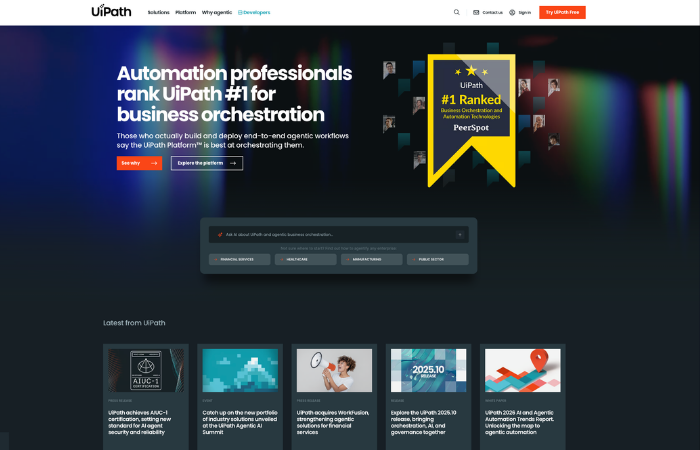
UiPath has held the Gartner RPA Magic Quadrant Leader position for seven consecutive years and has evolved from robotic process automation into a full agentic AI platform. Its Agent Builder and Maestro orchestration layer let enterprises coordinate AI agents, humans, and legacy bots in a single workflow.
Key features:
- Agentic automation: Agent Builder + Maestro orchestration
- AI-powered document processing (Document Understanding)
- Process Mining and Task Mining modules
- Self-healing automations that adapt when UI changes
- UiPath Academy: free training and certification paths
Pros:
- Best-in-class for complex enterprise RPA deployments
- Strong governance, compliance, and audit controls
- Covers both attended and unattended workflows
Cons:
- Significant pricing complexity, mid-market deployments typically run $100K to $350K/year
- Steep learning curve outside the Studio environment
- Premium modules priced separately
Best for: Large enterprises with established RPA programs looking to add agentic AI capabilities.
Workato for Enterprise Integration and Cross-System Automation
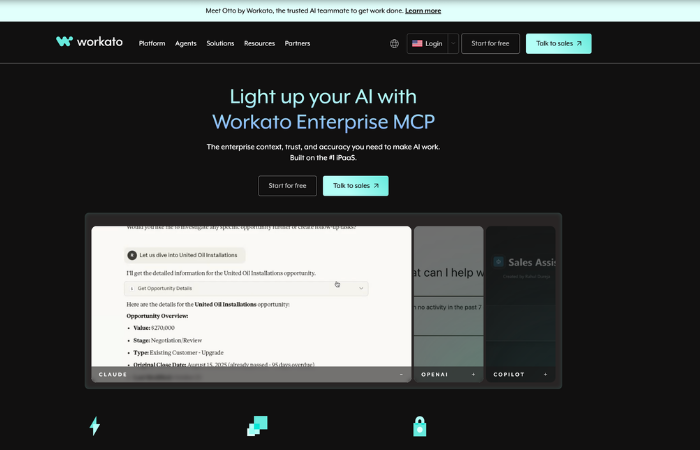
Workato is an enterprise iPaaS with 1,200+ deep connectors offering 50 to 100+ actions per app, not just basic CRUD operations. Unlike tools that cap users or connections, Workato charges purely by task consumption, and the Workato One edition includes Agentic Orchestration for adaptive AI workflows. Robust MLOps practices are built into its deployment pipeline, giving enterprise teams confidence that AI models behave consistently in production.
Key features:
- 1,200+ deep connectors with rich action sets per app
- AI-assisted field mapping and recipe building
- Workato One: Agentic Orchestration for adaptive AI workflows
- RBAC, environment management (dev/staging/prod), recipe versioning, audit logging
- SOC 2 Type II, HIPAA, and GDPR certified
Pros:
- Unlimited connectors, collaborators, and workflows across all tiers
- Best governance controls in the mid-market iPaaS category
- Deep connector quality sets it apart from breadth-first alternatives
Cons:
- Opaque pricing (no public page, median contract roughly $65K/year)
- Meaningful learning curve for advanced recipe logic
- Cloud-only with no self-hosted option
Best for: Mid-market and enterprise teams connecting 10+ business applications with strict compliance requirements.
Lindy.ai for AI Executive Assistants and Task Automation
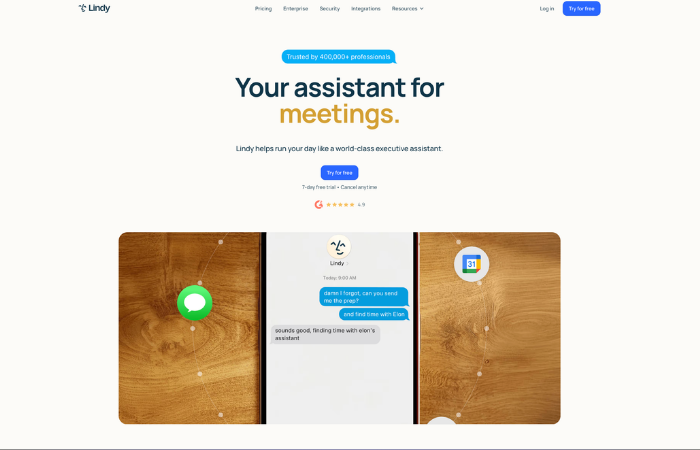
Lindy.ai takes a fundamentally different approach. Instead of building trigger-action workflows, you instruct AI agents in natural language to manage goals. Lindies can handle email triage, meeting scheduling, CRM updates, and lead research autonomously, making this the closest thing to a digital executive assistant.
Key features:
- Natural language agent setup (describe what you want, Lindy builds it)
- 4,000+ integrations, including Slack, Gmail, HubSpot, Notion
- Agent Swarms for orchestrating multiple Lindies together
- AI voice capabilities for phone-based workflows
- Free tier, Pro at $39.99/month
Pros:
- Zero coding required, fastest setup for assistant-style workflows
- Highly flexible for customer support, HR, and sales use cases
- Strong free tier for testing
Cons:
- Limited customization for complex multi-step deterministic logic
- Weaker team collaboration and workflow visibility vs. traditional builders
- Shallow logic for nuanced edge cases compared to n8n or Workato
Best for: Solopreneurs, small teams, and mid-market businesses wanting AI-powered task delegation without engineering overhead.
Vellum AI for LLM Workflow Orchestration and Prompt Operations

Vellum AI fills the gap between general-purpose workflow automation platforms and raw LLM API access. It is purpose-built for teams that need to standardize, version, and govern AI workflows at scale, with prompt management, A/B testing, version control, and evaluation tools in one platform. Teams can also implement RAG pipelines directly within Vellum to ground LLM outputs in proprietary company data.
Key features:
- Prompt versioning, A/B testing, and performance evaluation
- Visual LLM workflow builder with model-agnostic support
- Role-based permissions and governance for AI workflows
- Integrates with OpenAI, Anthropic, Cohere, and other LLM providers
- Free tier (1,000 tasks), paid plans via sales
Pros:
- Best governance and version control for teams shipping AI products
- Model-agnostic: switch between LLMs without rewriting workflows
- Strong for teams that need consistency and accuracy at scale
Cons:
- Narrower scope (focused on LLM orchestration, not general automation)
- Pricing is not transparent, and requires sales engagement
- Less suitable for non-AI-adjacent business workflows
Best for: AI/ML teams and product organizations that need to build, test, and ship LLM-powered workflows with enterprise-grade governance.
Gumloop for AI-Powered Web and Data Automation
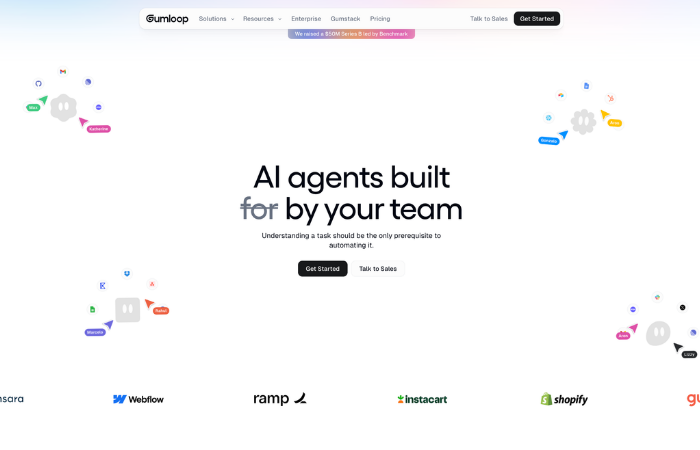
Gumloop is an AI-native no-code workflow builder designed specifically around LLMs. Its visual canvas lets users chain AI models, scrape the web, process data, and build agents without writing code, making it a strong fit for teams running research, content automation, or AI-driven data enrichment. It also supports computer vision tasks, enabling workflows that can analyze and extract information from images alongside text.
Key features:
- Built-in LLM connectivity (ChatGPT, Gemini, Claude, and more)
- MCP support for extended AI tool access
- Visual canvas for chaining AI steps and building agents
- Web scraping, data extraction, and content automation modules
- Free tier, Solo plan at $30/month
Pros:
- AI is the foundation, not an add-on
- Low barrier to entry for AI-driven use cases
- Strong for rapid prototyping of AI agents and content pipelines
Cons:
- Narrower scope than Zapier/Make for general app-to-app automation
- Usage-based pricing can surprise at scale without monitoring
- Less suitable for enterprise governance requirements
Best for: Growth teams, content operations, and indie builders who want to deploy AI-driven workflows around data and web content fast.
AirOps for AI Content Operations and SEO Workflows
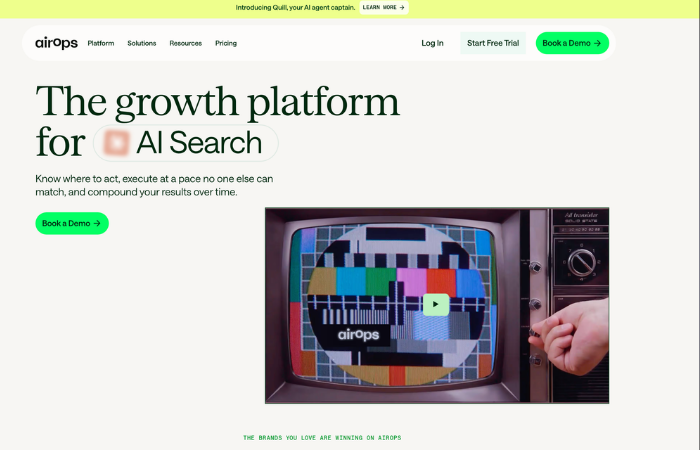
AirOps is a specialized AI automation platform for content marketers and technical SEOs. It combines AI workflow automation with native integrations for industry-standard SEO data tools, making it uniquely suited for large-scale content production and keyword research pipelines.
Key features:
- Native connectors for Semrush, Moz, and Google Search Console
- "Power Agents" for autonomous content workflows
- Custom code steps and API key integration
- Integrations with Slack, Google Docs, WordPress
- Free tier (1,000 tasks), enterprise pricing via sales
Pros:
- Only platform on this list with native SEO data integrations
- Strong for content transformation and distribution workflows
- Good for teams combining AI writing with SEO data analysis
Cons:
- Too narrow for teams outside content/marketing workflows
- Pricing requires direct sales engagement
- Limited governance features compared to enterprise alternatives
Best for: Technical SEOs, content agencies, and marketing operations teams scaling AI-assisted content production.
Relay.app for Human-in-the-Loop AI Workflow Automation
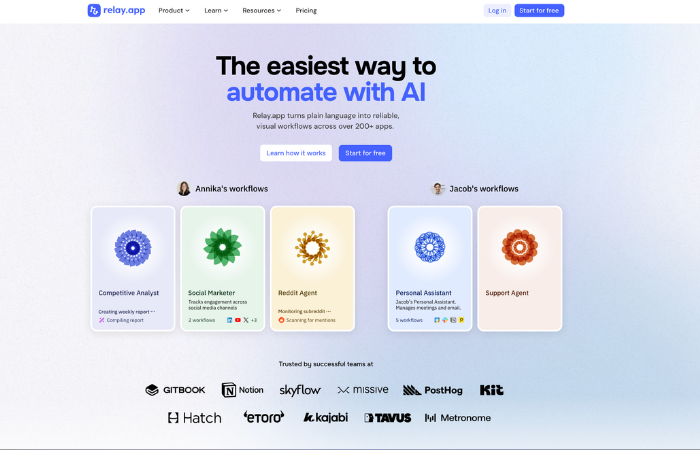
Relay.app sits between a workflow builder and a collaborative task board. It is built for teams where some steps require human approval or review, combining AI actions with structured human checkpoints in a clean, accessible interface used by teams at Cursor, Ramp, and Motion. Its branching "Paths" feature handles complex conditional logic without forcing you to create multiple separate flows.
Key features:
- Human-in-the-loop steps: approvals, manual input fields, async reviews
- Branching "Paths" logic for conditional outcomes in a single workflow
- AI steps powered by GPT, Claude, or Gemini
- Native integrations with Gmail, Slack, HubSpot, Notion, and Airtable
- Plans start at $38/month, usage measured in steps + AI credits
Pros:
- Best platform for compliance-sensitive or approval-heavy workflows
- Clean, collaborative UI accessible to non-technical users
- Workflows are explainable and auditable to stakeholders
Cons:
- Smaller integration library than Zapier or n8n
- AI agents are more basic than Lindy or Gumloop
- No free tier
Best for: Operations and compliance teams that need structured, auditable workflows with built-in human oversight at key decision points.
AI Workflow Automation Use Cases
AI workflow automation is used across many business functions to reduce manual work, improve speed, and keep processes consistent.
Sales and CRM Automation
AI agents can handle lead scoring, outreach sequences, CRM data entry, and follow-up tasks. This reduces manual effort for sales teams and helps them respond to leads faster. Teams can also leverage AI SDR tools to automate prospecting and outreach at scale. Some reports suggest that companies using AI in sales see improvements in revenue growth and ROI.
HR Onboarding Workflows
AI can automate onboarding steps such as document collection, background checks, system setup, and training assignments. This helps HR teams save time and ensures every step in the onboarding process is completed correctly.
Finance and Invoice Processing
AI tools can extract data from invoices, match them with purchase orders, route approvals, and update accounting systems automatically. This reduces errors and speeds up financial operations across fintech companies and traditional finance teams alike. The financial automation market is also expected to grow significantly in the coming years.
Customer Support Automation
AI handles common support tasks like answering FAQs, routing tickets, and escalating urgent issues based on customer sentiment. Industry forecasts suggest that AI will manage a large share of routine support requests in the near future.
Marketing Operations Workflows
AI helps with tasks like content creation, SEO optimization, campaign planning, and multi-channel publishing. Advanced capabilities like AI image segmentation are increasingly being integrated into marketing pipelines to automate visual asset tagging and categorization. Marketing teams that use automation often see noticeable productivity gains compared to manual workflows.
Internal Reporting and Analytics
AI can pull data from multiple sources, generate reports, and distribute insights automatically. This helps teams make faster decisions using real-time data instead of waiting for manual weekly reports.
Why Companies Trust Azumo for Custom AI Workflow Automation Solutions
Pre-built AI workflow automation tools are powerful and can cover many common use cases. But they are still designed for general needs, not for the specific logic, data structure, or compliance requirements of individual businesses.
At Azumo, we offer custom AI development for companies in healthcare, finance, legal services, logistics, and technology. This is especially useful when teams outgrow no-code tools, need custom automation logic, or must integrate with legacy systems that standard platforms do not support.
We design and build solutions that fit directly into your existing systems and workflows, rather than forcing you to adapt your processes to a tool.
If you have reached the limits of off-the-shelf automation platforms, reach out to us to explore what a custom AI workflow solution would look like for your business.
Frequently Asked Questions

About the Author:
Head of Customer Success | Account Manager & Account Executive
Matias Margossian, Account Executive and Customer Success Manager with a finance background and tech expertise, blending business strategy, analytics, and client success.



.avif)